Everything below is built for one job: keeping a real season's numbers without a spreadsheet
and without a second scorer in the stands.
Offline-first bench scorer
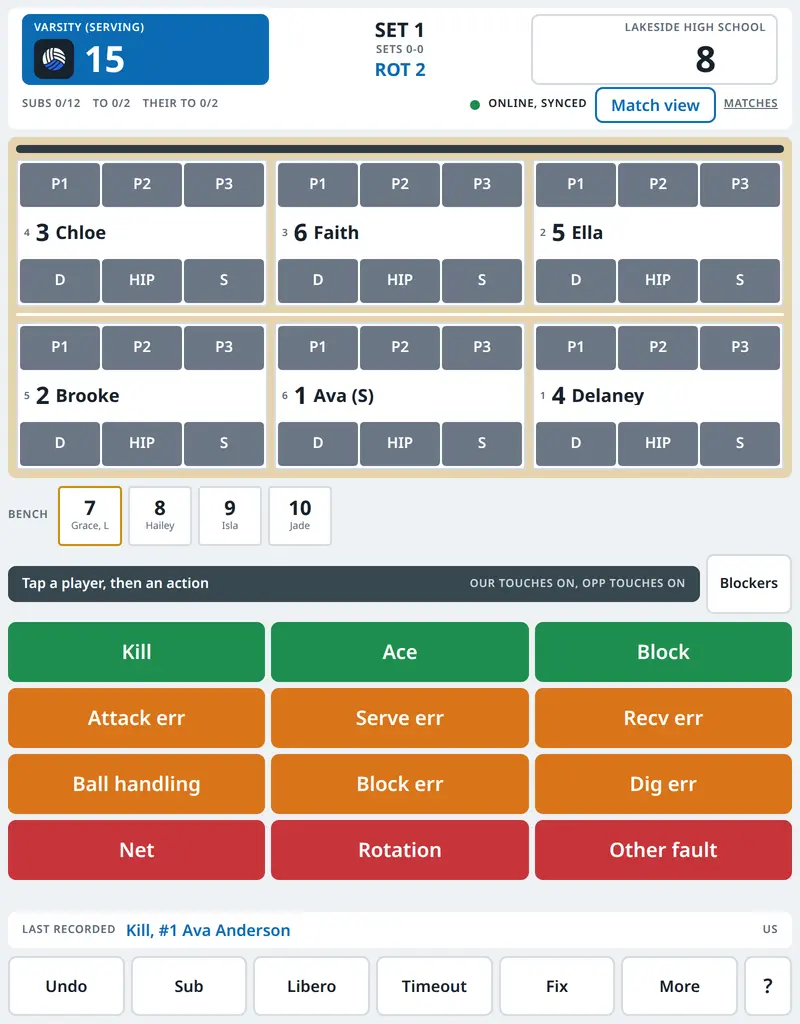
A touch layout for Android tablets and iPads, installed to the home screen. It keeps
scoring with no signal at all and syncs when the wifi comes back, so a dead hotspot in
the third set costs you nothing.
Stats derived from the rally log
Every tap is an event in an append-only log, and the box score, per-set lines and
rotation splits are projected from it. Fix a misrecorded rally and every number that
depended on it is rebuilt.
live pages for families
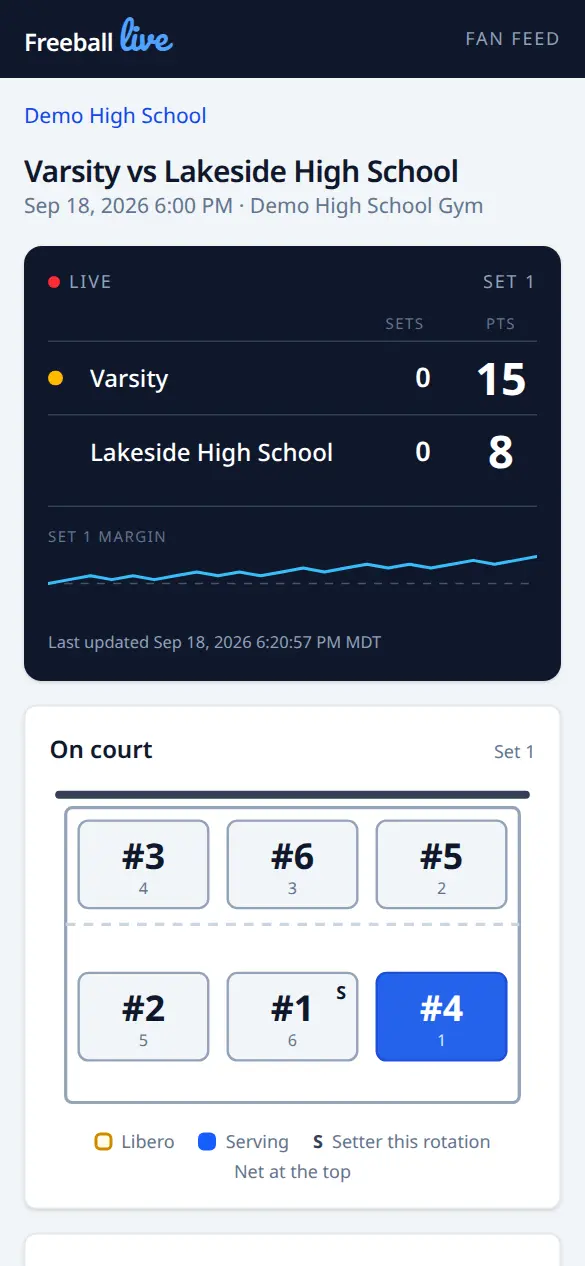
Share one link and parents watching from work follow the score, the court, and the
play-by-play as it happens. No account, no app install.
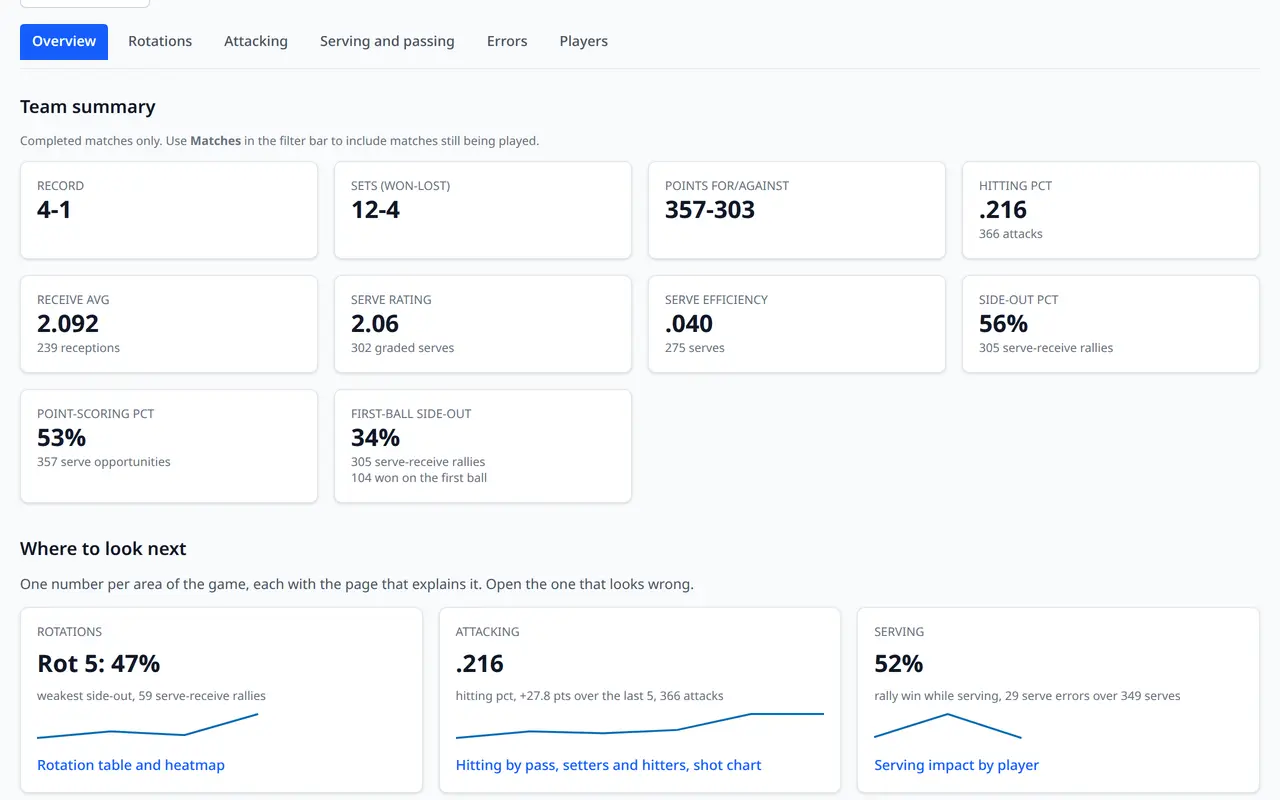
Reports a coach can use Monday
Season leaderboards, hitting and passing rates, side-out by rotation, trends match over
match, and starting-lineup comparisons. Printable, and downloadable as CSV.
Voice calls
Beta
Hold the Talk button, say "kill twelve", let go: the tablet records the same stat the taps
would have, so a scorer can keep her eyes on the court. It listens on the tablet itself, so
it works with no signal and nothing is sent anywhere, and every button still works by hand.
Turn it on under More on the tablet, where it is still marked experimental.
How voice calls work.
AI set summaries
Between sets, read a short written summary of what just happened. The prompt carries
jersey numbers and stats only, never an athlete's name.
Exports and imports
MaxPreps stat files and Hudl tagging XML come straight out of the event log. Coming from
SoloStats or Rotate123? Import those matches and keep your season history.
Fast roster setup
Build a program roster once from a roster photo or sheet, then pull players onto Varsity
and JV with their jersey numbers. The same athlete can play on both.
Privacy first, by default
These athletes are minors. Public pages show jersey numbers only unless your school
turns names on, and that switch is an athletic department decision, not ours.
One account per program
Head coach, assistants, student managers and front office each get the access they need:
admins manage settings and people, coaches correct the rally log and import old matches,
managers score, viewers read reports.